

Google is introducing one of the most important Android platform changes in recent years. Starting with Android 15, device manufacturers can ship devices using a 16 KB memory page size instead of the traditional 4 KB page size. To ensure ecosystem compatibility, Google announced that starting November 1, 2025, all new app submissions and updates targeting Android 15+ must support 16 KB page sizes to be published on Google Play.
For many Android developers, this raised several questions: What is a memory page? Why is Android moving from 4 KB to 16 KB? Will my existing app break? How can I verify compatibility? What should React Native developers do—and is React Native 0.77 required?
Important Timeline
| Date | Milestone |
|---|---|
| January 21, 2025 | React Native 0.77 released with Android 15 support and 16 KB page size support—allowing RN apps to build and run correctly on 16 KB devices. |
| Android 15 | Introduced support for devices using either 4 KB or 16 KB page size. Manufacturers choose which configuration to ship. |
| November 1, 2025 | Google Play requirement: Apps and games targeting Android 15+ must support 16 KB page sizes before updates can be published. This is a Play Store publishing requirement—not merely a performance recommendation. |
What Exactly Is a Page Size?
A memory page is the smallest unit of memory management used by the operating system. When your application requests memory, Android does not manage every byte individually—it divides memory into blocks called pages.
Think of it like a warehouse: instead of tracking every individual item, the warehouse groups items into boxes. The operating system tracks the boxes rather than each object. Those boxes are memory pages.
What Is the Difference Between 4 KB and 16 KB Page Size?
Historically, Android devices have used 4 KB pages—each memory page contains 4 kilobytes of data. Modern ARM64 processors can efficiently support 16 KB pages, where each page contains 16 kilobytes. This reduces the number of pages the operating system needs to manage.
Why Is Google Moving to 16 KB Pages?
Modern devices contain more RAM, larger applications, more complex workloads, and faster processors. Using larger pages reduces memory management overhead.
- Smaller page tables
- Fewer memory mappings
- Reduced CPU overhead
- Better cache efficiency
- Fewer TLB misses
Devices spend less time managing memory and more time executing application code.
Performance Improvements Reported by Google
Faster app launch
Approximately 3% faster on average, with some scenarios showing improvements up to 30%.
Faster camera startup
Camera launch times improved by up to 6%.
Faster system boot
Boot times improved by nearly one second.
Better battery efficiency
Power consumption during app launches decreased by roughly 5%.
Individually these numbers may seem small. Across billions of Android devices, they significantly improve overall user experience.
Why Existing Apps May Break
Many applications themselves are unaffected. The real challenge usually comes from native libraries (.so files).
Applications often include native code through C++, Rust, NDK, or third-party SDKs—React Native libraries, camera SDKs, payment SDKs, video processing, mapping SDKs, and gaming engines.
Older native libraries may assume a 4 KB page size, which can cause installation failures, runtime crashes, or native library loading errors on 16 KB devices.
How to Check If Your App Supports 16 KB Pages
Google provides tools to verify compatibility. Developers can inspect native libraries and APKs to identify incompatible binaries using Android Studio and command-line tools to validate alignment requirements and native library compatibility.
Before submitting to Google Play, verify all bundled native libraries support 16 KB page sizes.
How to Fix Android Apps for 16 KB Page Size
The solution depends on your technology stack.
Native Android applications
If your app uses Kotlin, Java, or Android NDK, you should update the Android Gradle Plugin, use a modern NDK release, rebuild custom C/C++ libraries, and verify third-party SDKs. Many compatibility issues originate from outdated dependencies—contact vendors if updated SDKs are required.
Need native Android help? Work with our Android app developers.
React Native applications
React Native developers need to pay special attention. Many RN apps include Hermes, native modules, third-party SDKs, and C++ components—all of which must support 16 KB pages.
React Native 0.77 introduced official support
Released on January 21, 2025, React Native 0.77 includes Android 15 support and 16 KB page size support. With 0.77+, developers can build and ship applications compatible with upcoming Android devices using 16 KB pages. This is the recommended path for most teams.
If your React Native app is below 0.77
If your application is running 0.76, 0.75, 0.74, 0.73, or older, strongly consider upgrading. Recommended approach:
- Upgrade React Native to 0.77 or newer.
- Update Android dependencies—Android Gradle Plugin, Gradle, Kotlin, and NDK where applicable.
- Update third-party libraries—camera, maps, image processing, video SDKs, and any package shipping native binaries.
- Clean and rebuild—run
cd android && ./gradlew clean, then rebuild. - Test compatibility using Android's compatibility tools and test devices where available.
Work with experienced React Native developers or our full mobile app development team for upgrade support.
Common React Native libraries to review
- react-native-reanimated
- react-native-vision-camera
- react-native-skia
- react-native-maps
- react-native-video
- Native SDK wrappers
Any library shipping native binaries should be reviewed for 16 KB compatibility.
What Happens If You Ignore This Requirement?
- Play Store submission rejection — updates targeting Android 15+ may fail requirements
- Device compatibility issues — apps may fail on future 16 KB devices
- Native crashes — outdated libraries may crash unexpectedly
- Lost users — installation or runtime problems on newer devices
Frequently Asked Questions (FAQs)
-
Will all Android devices switch to 16 KB?
No. Android 15 supports both 4 KB and 16 KB page sizes. Device manufacturers decide which configuration to use.
-
Do Java and Kotlin apps need changes?
Most pure Java/Kotlin applications require minimal changes. The biggest concern is native libraries bundled through SDKs or NDK code.
-
Does React Native support 16 KB pages?
Yes. React Native 0.77 introduced official support for Android 15 and 16 KB page sizes. Teams on older versions should plan an upgrade.
-
Do Flutter apps need updates?
Flutter applications using native plugins should verify compatibility and update dependencies where necessary. Our Flutter developers can help audit native plugin compatibility.
-
Is this only a performance optimization?
No. After November 1, 2025, 16 KB page size support becomes a Google Play publishing requirement for apps targeting Android 15+.
-
Should I upgrade React Native now?
Yes. If you are running a version below React Native 0.77, planning an upgrade sooner rather than later is recommended to avoid last-minute compatibility issues before the Play Store deadline.
Final Thoughts
The Android ecosystem is moving toward larger memory page sizes to improve device performance, battery efficiency, and system responsiveness. While many applications may continue working without visible issues, Google Play's November 1, 2025 deadline makes 16 KB page size support a compliance requirement—not an optional optimization.
For React Native developers, the simplest and most future-proof solution is upgrading to React Native 0.77 or later, updating native dependencies, and validating compatibility across all bundled SDKs and native libraries.
At Softovate Technologies, we have helped businesses upgrade React Native applications across multiple versions, resolve Android build issues, modernize dependencies, and prepare apps for evolving Google Play requirements. Explore our hire remote engineers program for Android and React Native support.
Latest Blogs
View All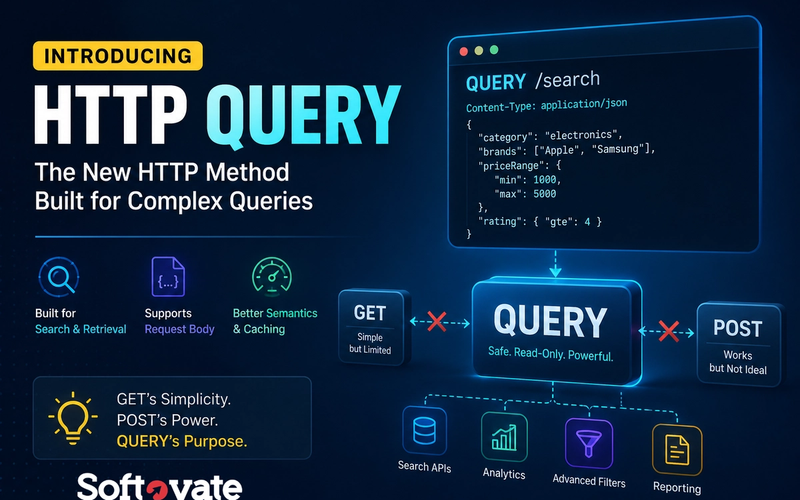
The Missing HTTP Method Is Finally Here: HTTP QUERY Explained
HTTP QUERY is a new HTTP method designed specifically for read-only data retrieval that requires a request body. Learn why GET requests struggle with complex searches, why POST became an imperfect workaround, and how HTTP QUERY provides a cleaner, standards-based solution for modern APIs.
- Web Development
- API Development
- Backend Development

How to Create a Meditation App in 2026: Features, Costs, Revenue Models & Growth Strategy
Planning to build a meditation app in 2026? Learn about essential features, guided meditation, healing programs, admin panel requirements, revenue models, user acquisition strategies, development costs, and monetization opportunities.
- Mobile App Development
- Meditation App
- Wellness App
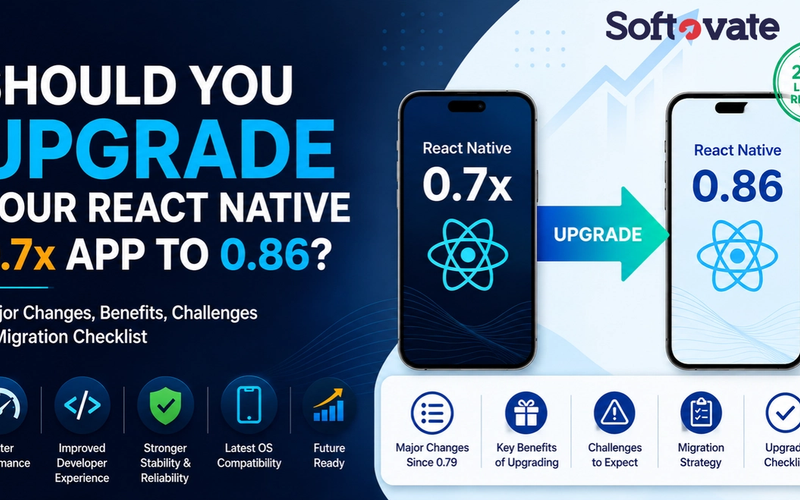
Should You Upgrade to React Native 0.86? Complete Guide for React Native 0.7x Apps
Still running React Native 0.7x? Learn what's changed from React Native 0.80 to 0.86, the benefits of upgrading, potential challenges, migration strategy, upgrade checklist, and the impact on your existing mobile application.
- React Native
- Mobile App Development
- Hire React Native Developer