

What's New in Xcode 27
Agentic Coding 2.0
Apple has significantly expanded AI-assisted development within Xcode. The new coding agents can now:
- Explore large codebases
- Generate architecture documentation
- Search Apple documentation
- Plan implementations before coding
- Validate builds
- Generate unit tests
- Work with SwiftUI previews
Instead of simply generating code snippets, Xcode agents can now assist throughout the entire development lifecycle—from planning and documentation through build validation and test generation.
Plan Mode and Artifact-Based Development
One of the most interesting additions is Plan Mode. Developers can discuss requirements and implementation strategies with Xcode before any code is generated.
Generated outputs are separated into artifacts such as:
- Source code
- File changes
- SwiftUI previews
- Documentation
- Diffs
This provides greater visibility and control before accepting generated changes.
AI-Powered Localization
Localization workflows have received a major upgrade. Xcode agents can now:
- Prepare projects for localization
- Generate translations
- Review translation quality
- Suggest improvements
- Maintain consistency across languages
This reduces the manual effort traditionally required for multilingual applications.
Context-Aware Translations
Rather than translating strings in isolation, Xcode can now use UI context, existing translations, glossaries, custom terminology, and related strings—producing more accurate and natural translations while reducing localization errors.
Localized UI Previews
Developers can preview localized interfaces directly inside Xcode. This helps identify truncated text, layout breaking issues, overflowing labels, and language-specific UI problems before the application reaches production.
Device Hub
Apple has introduced Device Hub, a centralized location for managing simulators, physical devices, app installations, device configurations, and provisioning profiles—removing much of the friction previously associated with managing multiple test devices.
Faster configuration testing
Quickly test applications under Light and Dark Mode, accessibility settings, Dynamic Type sizes, device locations, and regional settings without repeatedly modifying simulator configurations.
Enhanced diagnostics
Direct access to crash logs, application hangs, sysdiagnose captures, application containers, and configuration profiles—significantly improving debugging workflows.
devicectl Automation
Apple continues to invest in automation. The new devicectl tooling allows developers to automate device
management, app installation, diagnostics collection, test execution, and CI/CD workflows—making it easier to scale
testing environments.
Before you upgrade
Read this before updating to Xcode 27 Beta. While Xcode 27 introduces powerful new features like Agentic Coding 2.0, Device Hub, AI-powered localization, and smarter testing workflows, developers are already running into a few frustrating beta issues.
- iOS 27 Simulator runtime not downloading
- "Fetching download information" stuck forever
- Apps hanging on splash screen when launched from Xcode
- Debugger-related launch issues
- Simulator installation problems on Apple Silicon Macs
The good news? The developer community has already discovered several working fixes and workarounds.
Before you upgrade your primary development machine, make sure you know what to expect—and how to avoid losing hours troubleshooting beta-specific issues. Below are the most widely reported problems and the fixes developers are using today.
Apple's WWDC 2026 introduced one of the most significant updates to Xcode in recent years. With Xcode 27, Apple is bringing deeper AI integration, smarter localization workflows, improved testing tools, and a unified device management experience—while early beta adopters navigate simulator, debugger, and tooling quirks along the way.
Common Issues Developers Are Facing in Xcode 27 Beta
As expected with any major beta release, developers have already encountered several challenges. Below are the most widely reported problems and community-tested solutions.
Issue #1: Unable to Download iOS 27 Simulator Runtime
One of the most widely reported problems involves Xcode becoming stuck at:
Fetching download information...
After installation, many developers discovered that the iOS 27 Simulator runtime was completely missing from the Components section.
Symptoms
- Simulator runtime not listed
- Download never starts
- Components page appears empty
- Reinstalling Xcode doesn't help
Solution 1
Download the simulator from Terminal
Download the simulator directly from Terminal:
xcrun xcodebuild -downloadPlatform iOS
What this command does
- Uses the active Xcode installation
- Downloads the latest available iOS simulator runtime
- Bypasses the Xcode GUI download process
After completion, verify installation:
xcrun simctl list runtimes
Expected output example:
iOS 27.0 (27.0 - 24A5355p)
Solution 2
Apple Silicon Macs
For Apple Silicon Macs, request the ARM64 architecture variant:
xcodebuild -downloadPlatform iOS -architectureVariant arm64
What this command does
- Downloads the iOS simulator runtime
- Specifically requests the ARM64 architecture
- Often resolves runtime detection issues on Apple Silicon devices
Solution 3
Multiple Xcode versions installed
If multiple Xcode versions are installed, point the active developer directory to Xcode Beta first:
sudo xcode-select -s /Applications/Xcode-beta.app/Contents/Developer
Then run:
xcodebuild -downloadPlatform iOS -architectureVariant arm64
What these commands do
xcode-selectsets Xcode Beta as the active developer environment—without this, Terminal may continue using the stable version of Xcode instead of the beta installationxcodebuild -downloadPlatform iOS -architectureVariant arm64downloads the correct simulator runtime associated with Xcode 27 Beta
This solution has resolved the issue for many developers in the community.
Issue #2: App Hangs When Launched Through Xcode
Another issue reported by developers testing iOS 27 Developer Beta involves applications freezing immediately after launch.
Symptoms
- App launches successfully
- Splash screen appears
- App becomes unresponsive
- Issue only occurs when launched from Xcode
Interestingly, the same build often works correctly when launched directly from the device.
Workaround 1
Use Product → Run Without Debugging to launch the app without attaching the debugger.
Workaround 2
Open your Scheme → Run → Info, uncheck Debug Executable, then run the application normally.
Why this works: Current evidence suggests the issue is related to debugger attachment within Xcode 27 Beta rather than the application code itself. Running without the debugger bypasses the problem until Apple releases a fix.
Should You Upgrade to Xcode 27 Beta?
The honest answer is yes and no—depending on what you're trying to protect and what you need to validate before Apple's stable release.
Yes — for compatibility testing
If you ship iOS apps, you should pre-test on iOS 27 beta before the public launch. Apple releases often surface behavior changes in networking, permissions, background tasks, SwiftUI layout, StoreKit, push notifications, and third-party SDKs that do not appear on iOS 26.
Waiting until the stable release leaves little time to fix regressions, update dependencies, or adjust App Store metadata and build settings. A dedicated beta environment lets you catch breaking changes early.
No — for daily production work
Xcode 27 Beta is not a safe replacement for your primary toolchain while you are actively shipping production builds. Beta Xcode and iOS 27 runtimes can introduce simulator download failures, debugger attachment issues, and toolchain instability that slow down release-critical work.
Existing production apps may also behave differently on beta OS builds—splash-screen hangs, crash reporting noise, or SDK incompatibilities—without any fault in your shipped code.
Recommended approach: two environments
The most practical setup for professional iOS teams is a dual-environment workflow:
- Production environment — stable Xcode, stable iOS simulators, App Store release builds, CI/CD pipelines, and day-to-day feature development
- Beta environment — Xcode 27 Beta on a separate Mac, partition, or dedicated machine; iOS 27 beta devices or simulators; compatibility testing, smoke tests, and regression checks only
Use the beta environment to answer questions like:
- Does the app launch and pass core flows on iOS 27?
- Are there UI breaks with new system fonts or layouts?
- Do push, payments, maps, or analytics SDKs still work?
- Does the build compile cleanly with the beta SDK when needed?
- Are there new permission or privacy prompts to handle?
Keep release branches, hotfixes, and App Store submissions on the stable stack until Apple ships the final Xcode 27 and iOS 27 release—and until your dependencies officially support the new SDK.
Bottom line
Upgrade for testing. Hold for shipping.
Install Xcode 27 Beta if you need forward compatibility visibility. Do not replace your production Xcode install on your only development machine. Two environments give you the best of both worlds: early iOS 27 readiness without risking stability for apps your users depend on today.
As the beta cycle progresses, we expect Apple to resolve many of the current simulator, debugging, and tooling issues before the final public release—making the beta environment easier to maintain, but still separate from production delivery.
Need Help With iOS Development?
If you're building or maintaining iOS applications and want a team that understands native tooling, beta compatibility, and production-grade delivery, Softovate can help. Explore our services for:
Whether you're shipping a new SwiftUI product, modernizing legacy Objective-C code, or need extra capacity during an iOS beta cycle, our engineers integrate with your workflow and help you ship with confidence.
Latest Blogs
View All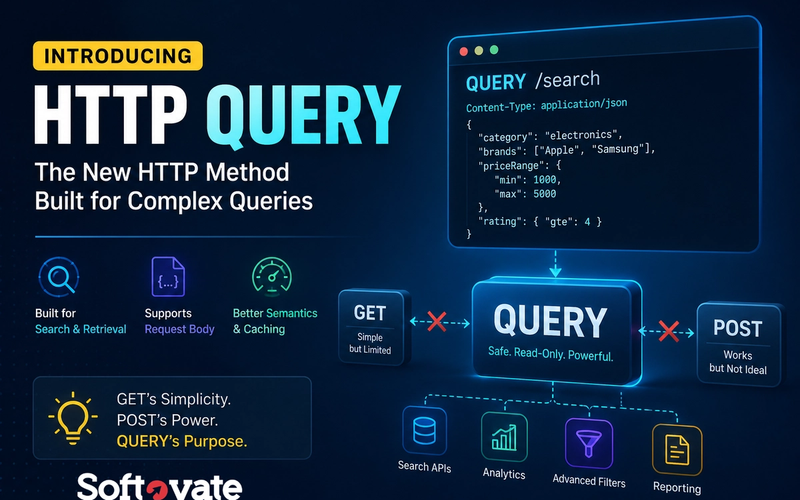
The Missing HTTP Method Is Finally Here: HTTP QUERY Explained
HTTP QUERY is a new HTTP method designed specifically for read-only data retrieval that requires a request body. Learn why GET requests struggle with complex searches, why POST became an imperfect workaround, and how HTTP QUERY provides a cleaner, standards-based solution for modern APIs.
- Web Development
- API Development
- Backend Development
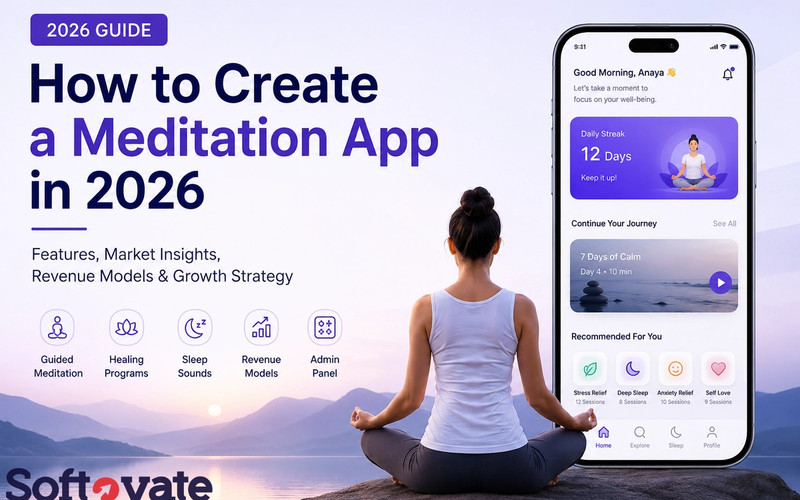
How to Create a Meditation App in 2026: Features, Costs, Revenue Models & Growth Strategy
Planning to build a meditation app in 2026? Learn about essential features, guided meditation, healing programs, admin panel requirements, revenue models, user acquisition strategies, development costs, and monetization opportunities.
- Mobile App Development
- Meditation App
- Wellness App
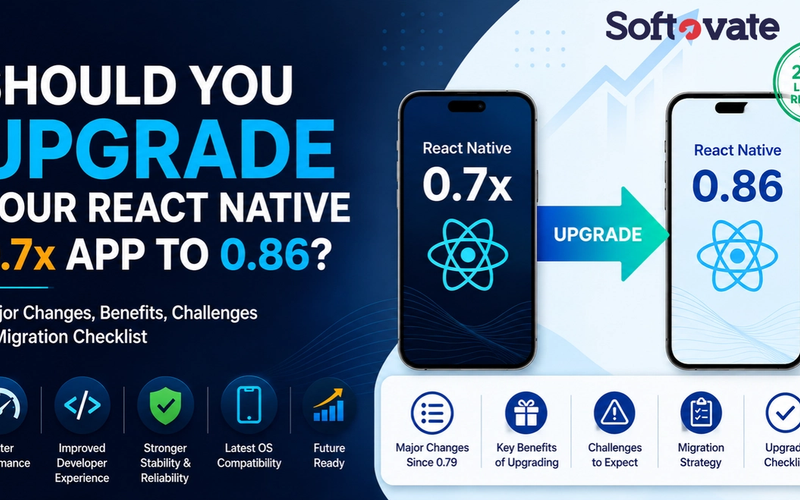
Should You Upgrade to React Native 0.86? Complete Guide for React Native 0.7x Apps
Still running React Native 0.7x? Learn what's changed from React Native 0.80 to 0.86, the benefits of upgrading, potential challenges, migration strategy, upgrade checklist, and the impact on your existing mobile application.
- React Native
- Mobile App Development
- Hire React Native Developer